Humana
User Interface, Visual and Interaction design in an Agile/Scrum environment at healthcare provider Humana.
My Role
User Interface Designer
Platforms
Web
Tools
Figma
Invision
Adobe Illustrator
Adobe Photoshop
Areas
UI Design
Visual Design
Interaction Design
Project Summary
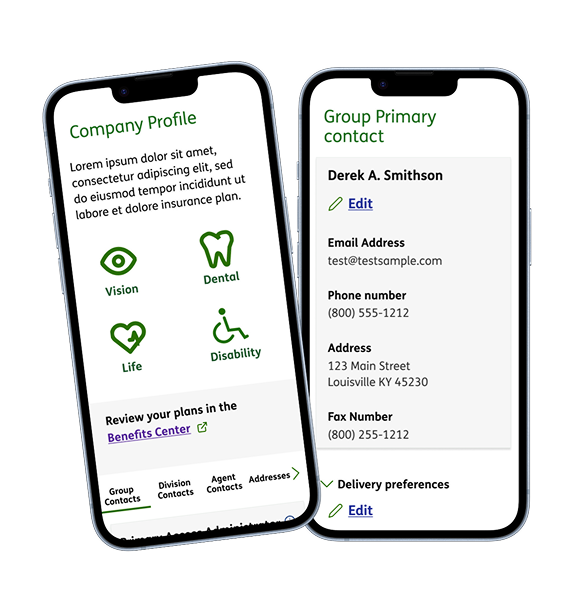
A large scale application refresh. The Employer Portal was a SAAS tool which allowed a user base consisting of commercial employer and agent partners (brokers) to complete various tasks.
A self service portal experience with a modern platform was needed, the existing application resided on a clunky outdated system interface.
Our tech stack team update moved to Salesforce Sales Cloud, with custom Humana brand and UI assets on the front-end.
Metrics
Reduced user process time to complete bill payment by 33%, going from 12-15 clicks down to 8 clicks.
System uptime increased with average 99.9% availability
Various user activities needed to be supported including:
- Access and view Group reports
- Access to plans and plan details
- Manage and administer Employee information
- Update Contact Us page
- Add and update Support and resource information
Business Goals

Improve customer and agent digital experiences.
Increase growth, monthly usage and user engagement
To reduce existing technical debt on a proprietary outdated system
by refactoring legacy code and modernizing core systems
Top Task Analysis
We researched using card sort to find out what tasks are most important to our users. We then used this to work out the most important tasks.
How do we identify top tasks or jobs to be done?
We pick 5 and present users with a list of top tasks (hopefully there are a quite a few). We then have users identify the ones most important to them in a list sent out from a survey tool like SurveyMonkey.
There will usually be too many tasks for users to consider individually. What happens is the users scan the tasks and look for key words that are top-of-mind for them.
It is essential to have the list randomized, so tasks have an equal chance of being near the top or bottom of the list.
If you have 10, 20 or so tasks, adjust the number of tasks for them to choose to 3. This makes sure that users only select most important tasks.
Set up a master task questionnaire:
Write down all the possible tasks (there could be 20 or 30) and put boxes in front of them all.
Write instructions for the user to select the top 5 tasks/resources from a list that are the most important for them.
Instruct them to enter a score of 5 beside the most important, 4 next to next most important, then a 3, a 2 and a 1.
It's important to tell them to fill in only five of the boxes and to leave all the rest blank.
After you get the results back, you can calculate the number of votes for each task item and divide that by the total users that participated.
Sort them in descending order and express this as a percentage.
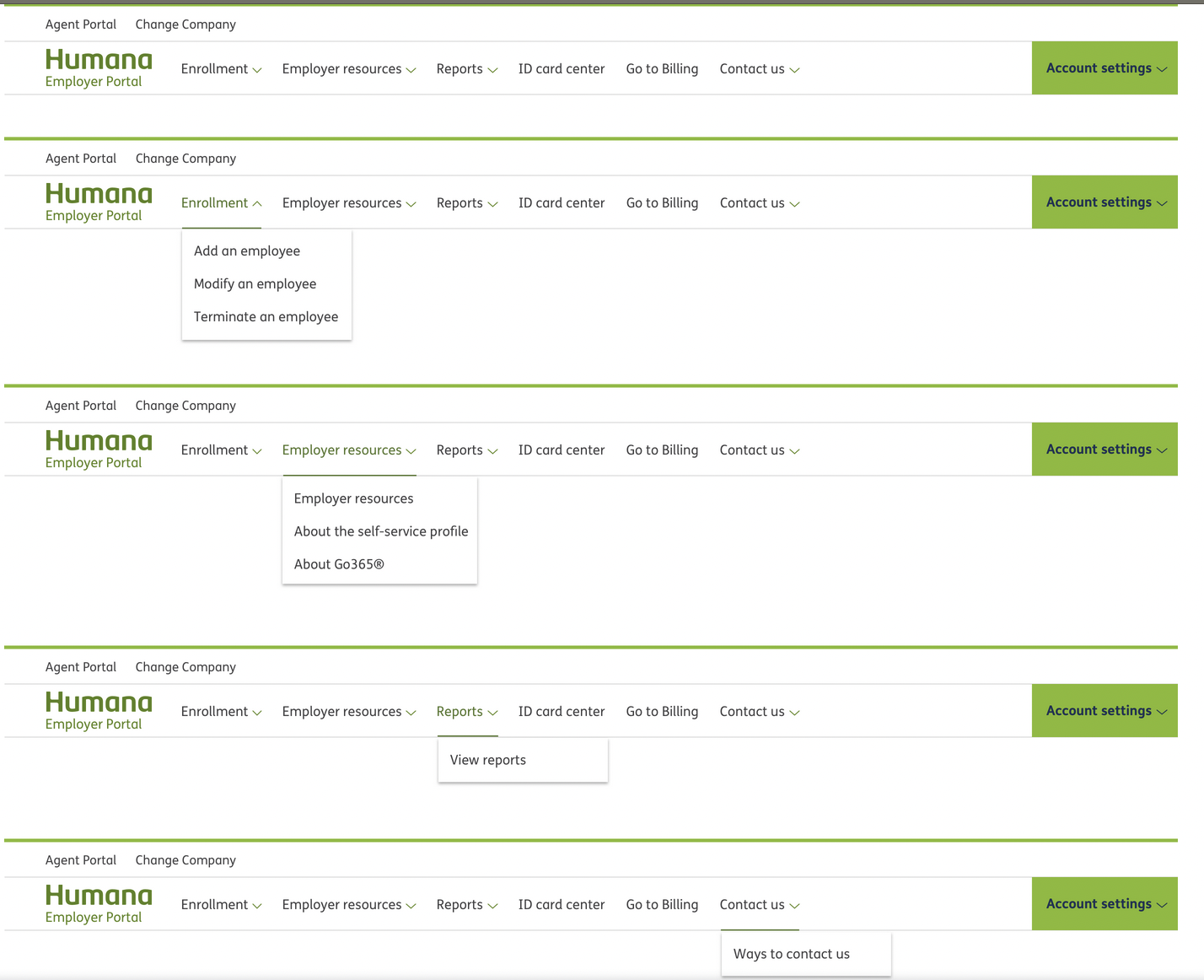
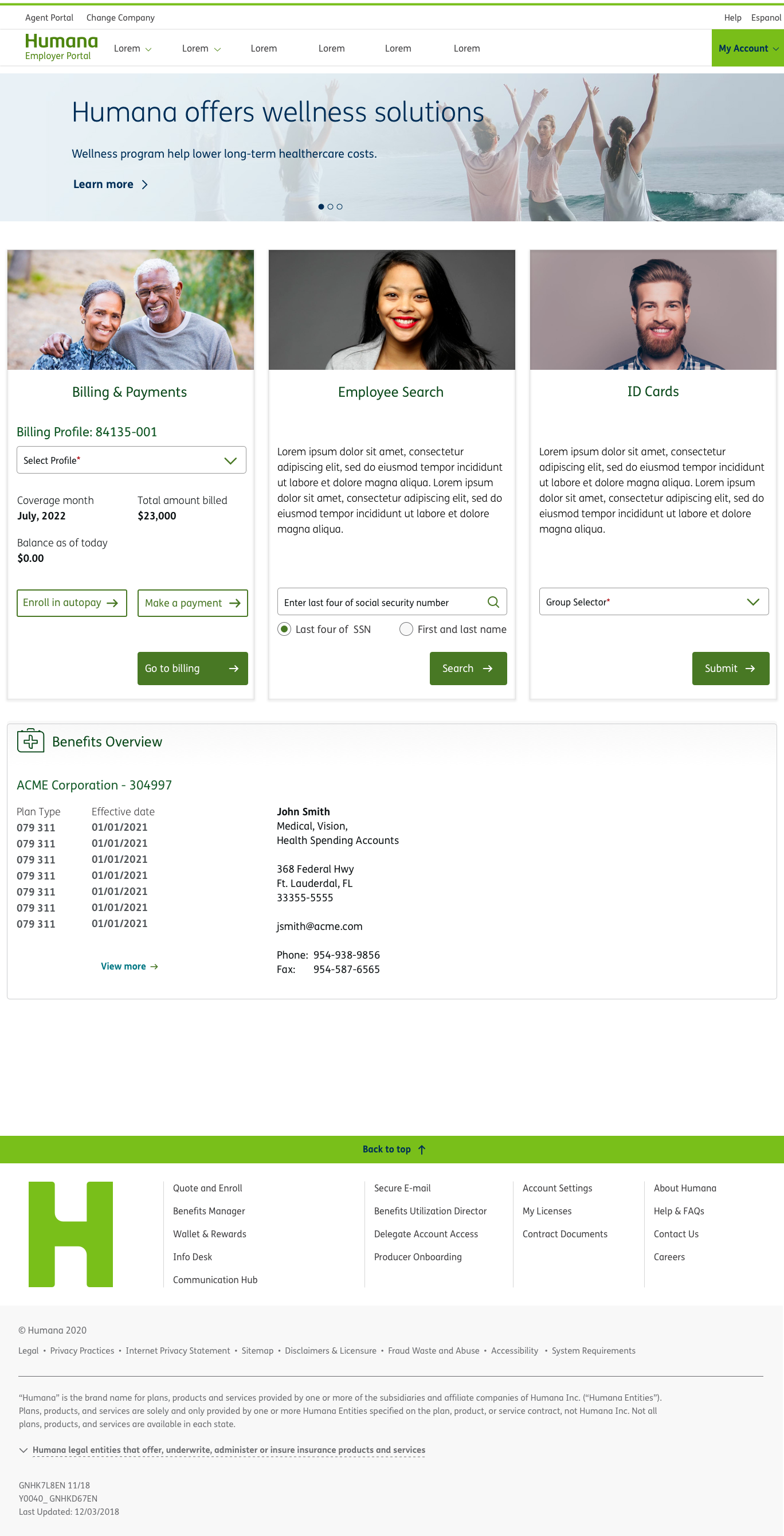
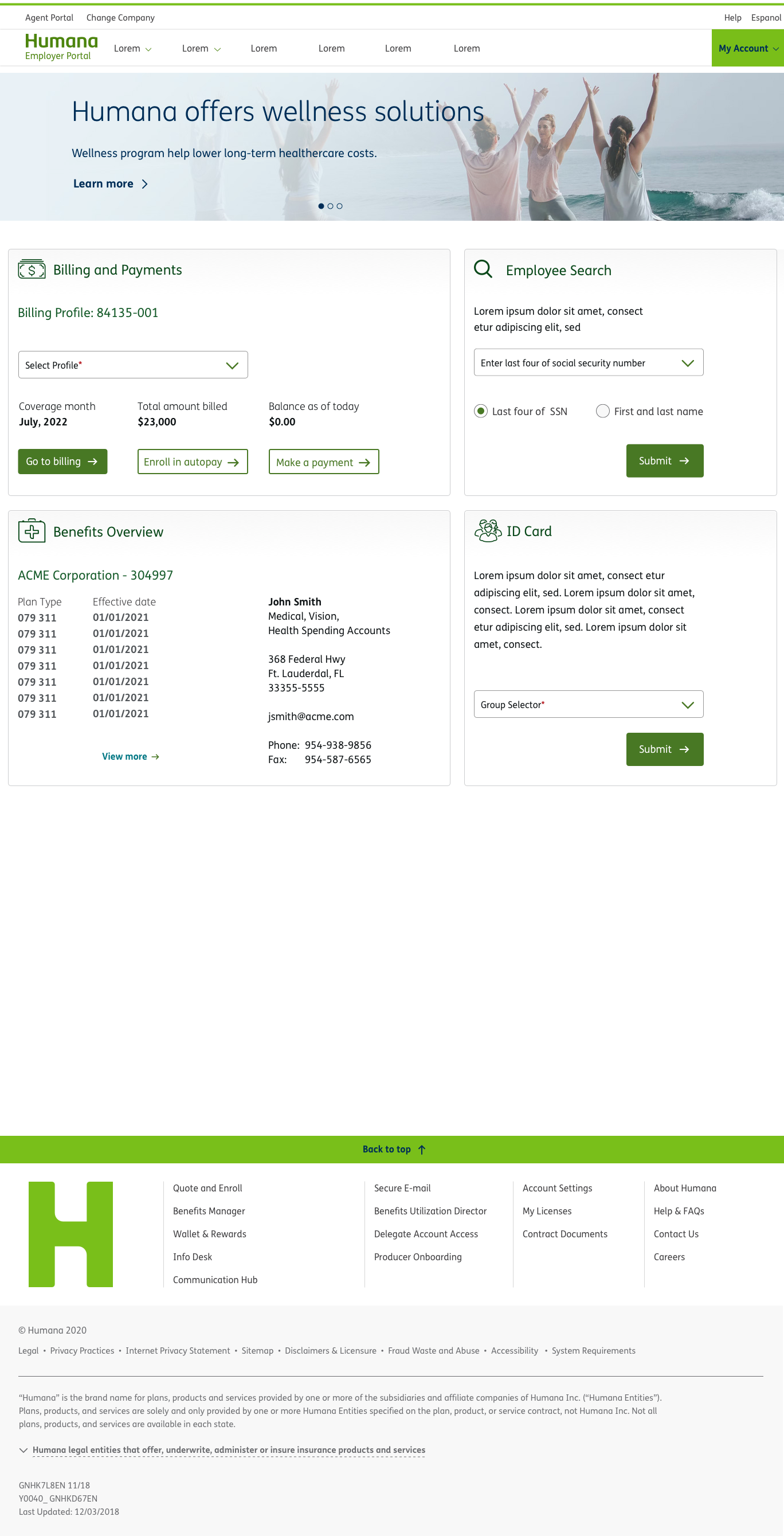
High Fidelity Navigation for Employer Portal
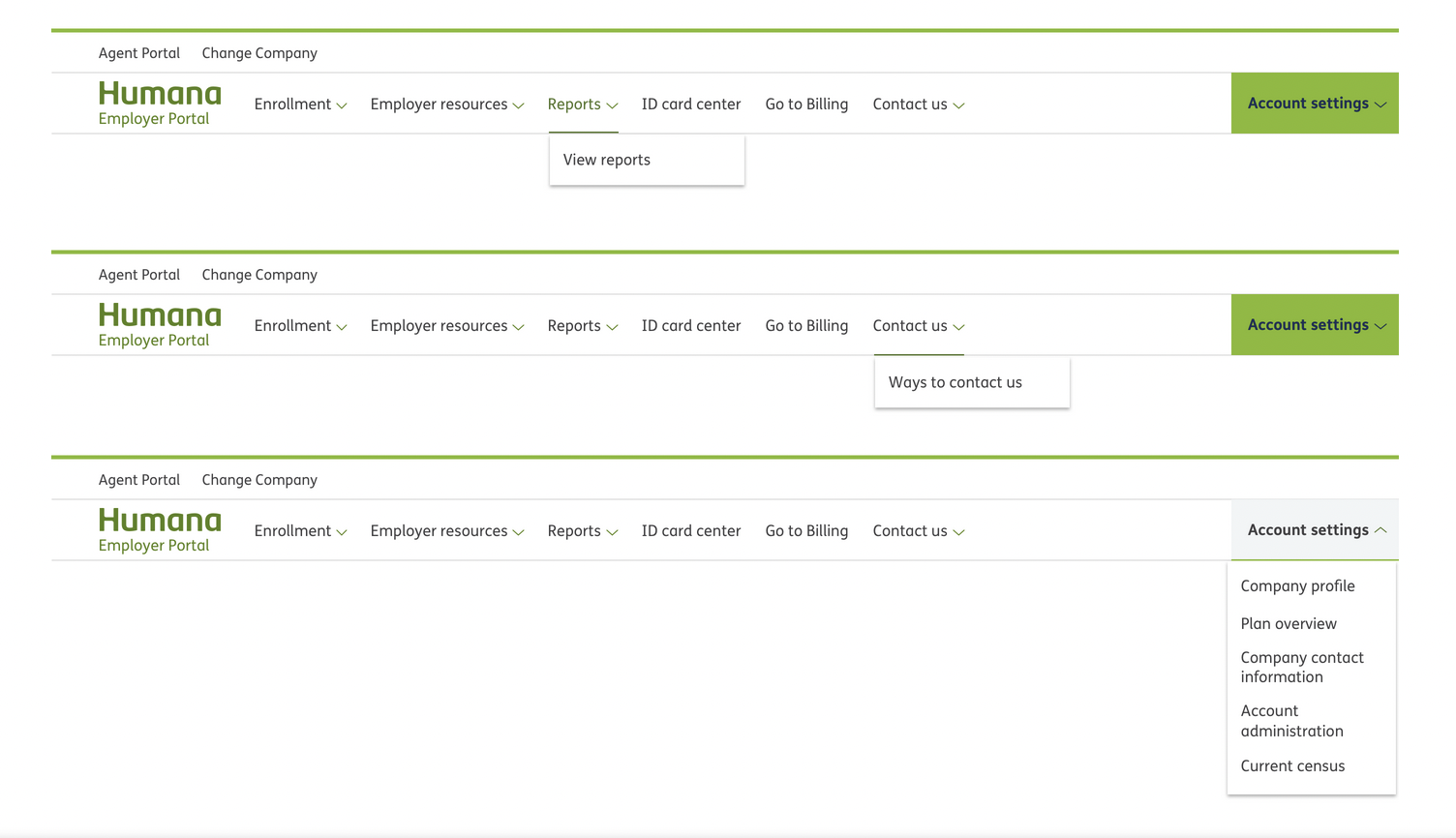
High Fidelity Main Dashboard page variations
View Previous Project
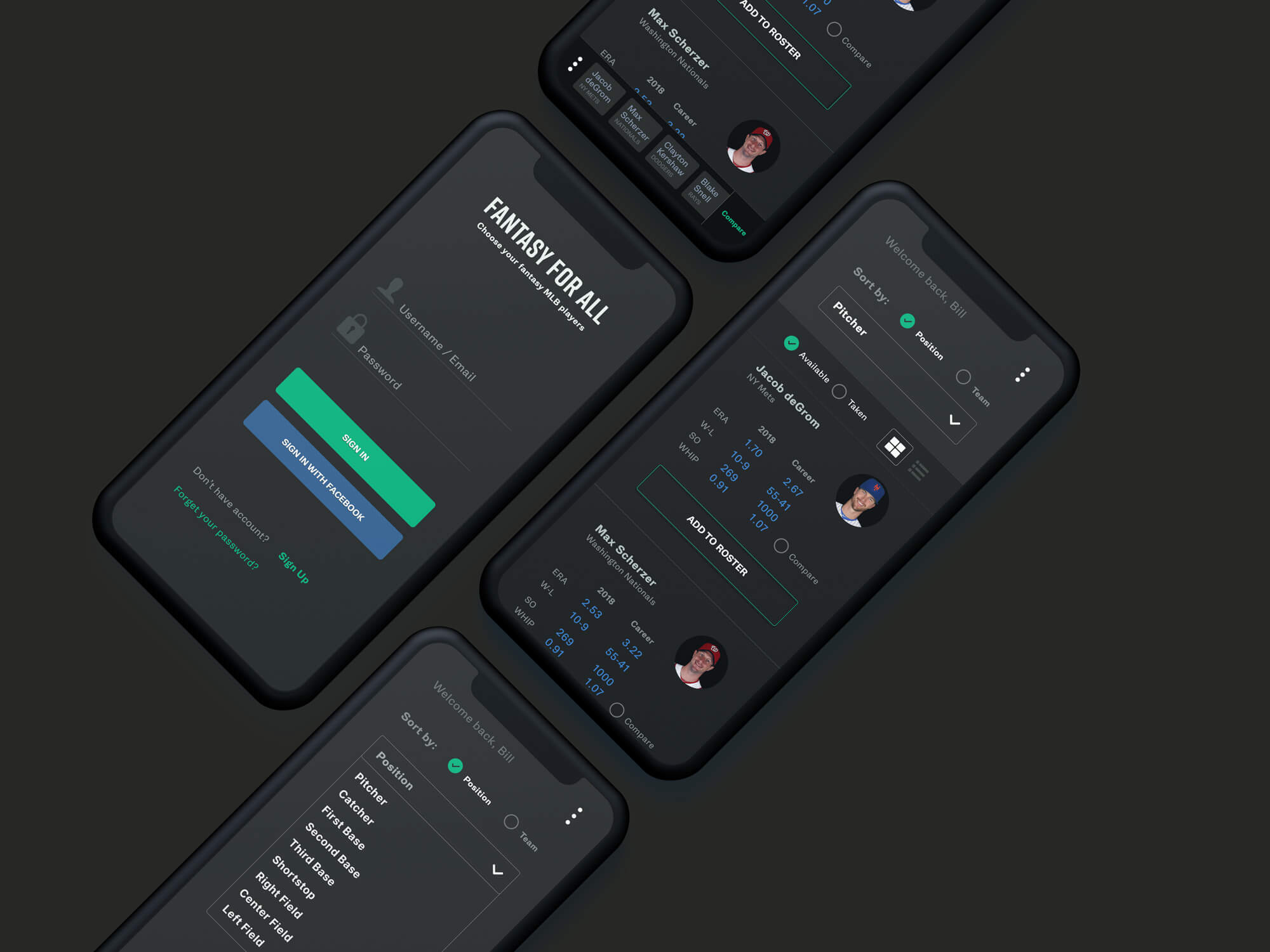
Fantasy For All
View Next Project