Christie Digital Systems
A multi-million dollar product launch called Terra - an audio video hardware and software solution providing 4K video over Ethernet networks.
My Role
Product Designer
Platforms
Web
.NET
Tools
Adobe XD
Invision
Adobe CC (Icons)
Areas
UI Design
Visual Design
Product Design
Company Summary
Christie Digital is an electronics company that manufacturers both hardware and software. Hardware includes digital movie theater projectors, video walls and large video displays like jumbotrons, found at large sport arenas.
Some Christie Digital clients include Audi, stadiums such as Mercedes-Benz Stadium, Atlanta GA and Angel Stadium, where the LA Angels play.
Project Summary
The product is called Terra Manager. It was conceived as a solution to show video and audio sources across a zero latency network and display them among various hardware or video walls.
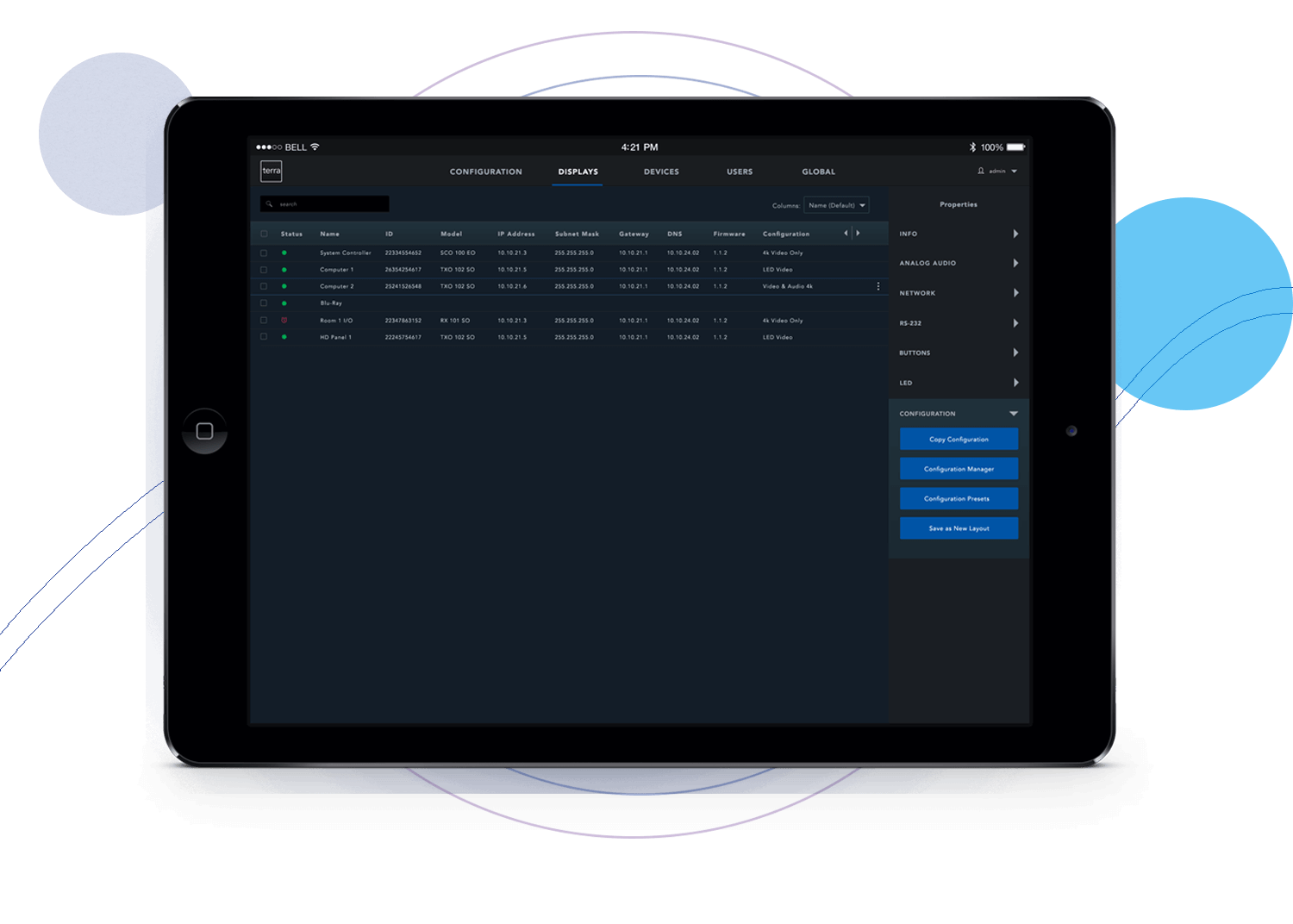
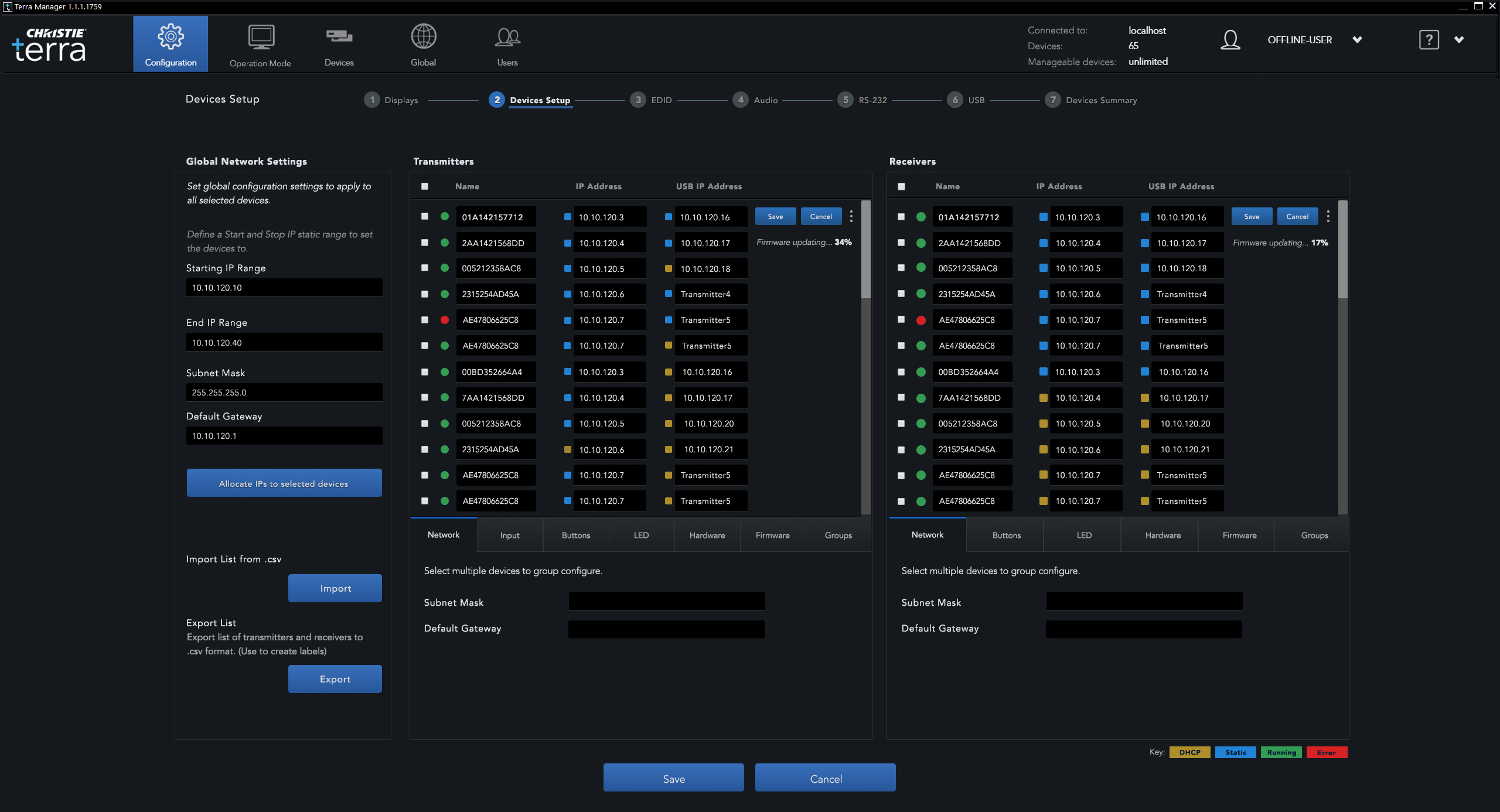
High Fidelity mockups of the Terra Manager Display Configuration screen
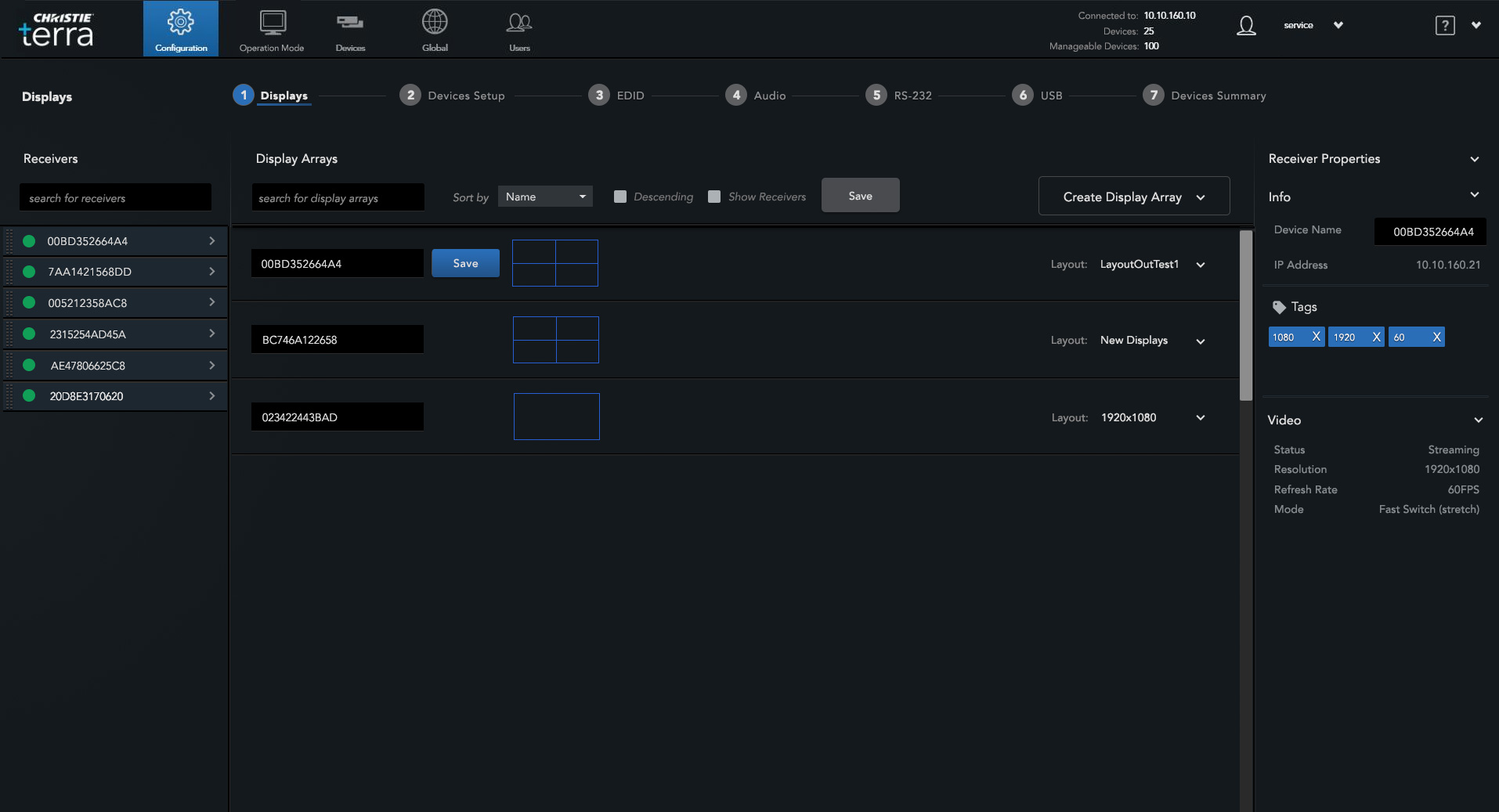
High Fidelity mockup of the Terra Manager Devices page
UX Process
There were three main considerations and trouble spots to solve for:
A DESIGN TEAM OF ONE
While Christie had previous UX designers in another location (2 other designers in a Canadian office), they were dedicated to other product lines.
FLEXIBILITY REQUIRED
I worked on this project with a team of 4 developers, 2 of whom were in Germany so project team meetings were required to be very flexible in terms of timing to accommodate overseas schedules.
FIRST OF ITS KIND
Existing similar products did not exist, so the challenge was in creating a new paradigm for users in how to use a product for creating, editing and configuring video wall views. Doing competitive analysis was not possible.
Furthermore, existing product looks did not exist – we did have a simple design system that I could utilize to save time and have consistent UI components such as buttons and text. Since the development team was developing on .net, that limited design kits available (this was back in 2018). I needed to create my own version of specialized icons, and other UI components for this project.
Discovery
During discovery, user tasks were written down, identified and ranked by importance of what needed to be completed by the user in the software, by using a ranking card sorting technique. To do that, the team and I wrote out all the necessary tasks and ranked them by importance. I then could use this ranking system to assign importance.
From there, I could start doing wireframes.
In working out user flows, I made sure to consider barriers that prevented users in completion of their responsibilities.
The discovery process and ux research seemed quick but it was due to the very aggressive timelines that we had for this project. The ability to do user interviews and research were very constrained.
One way to mitigate and inform future features and updates was to work with another important department - the tech support team - to see what trouble tickets were coming in the most and also the severity of impact to users work.
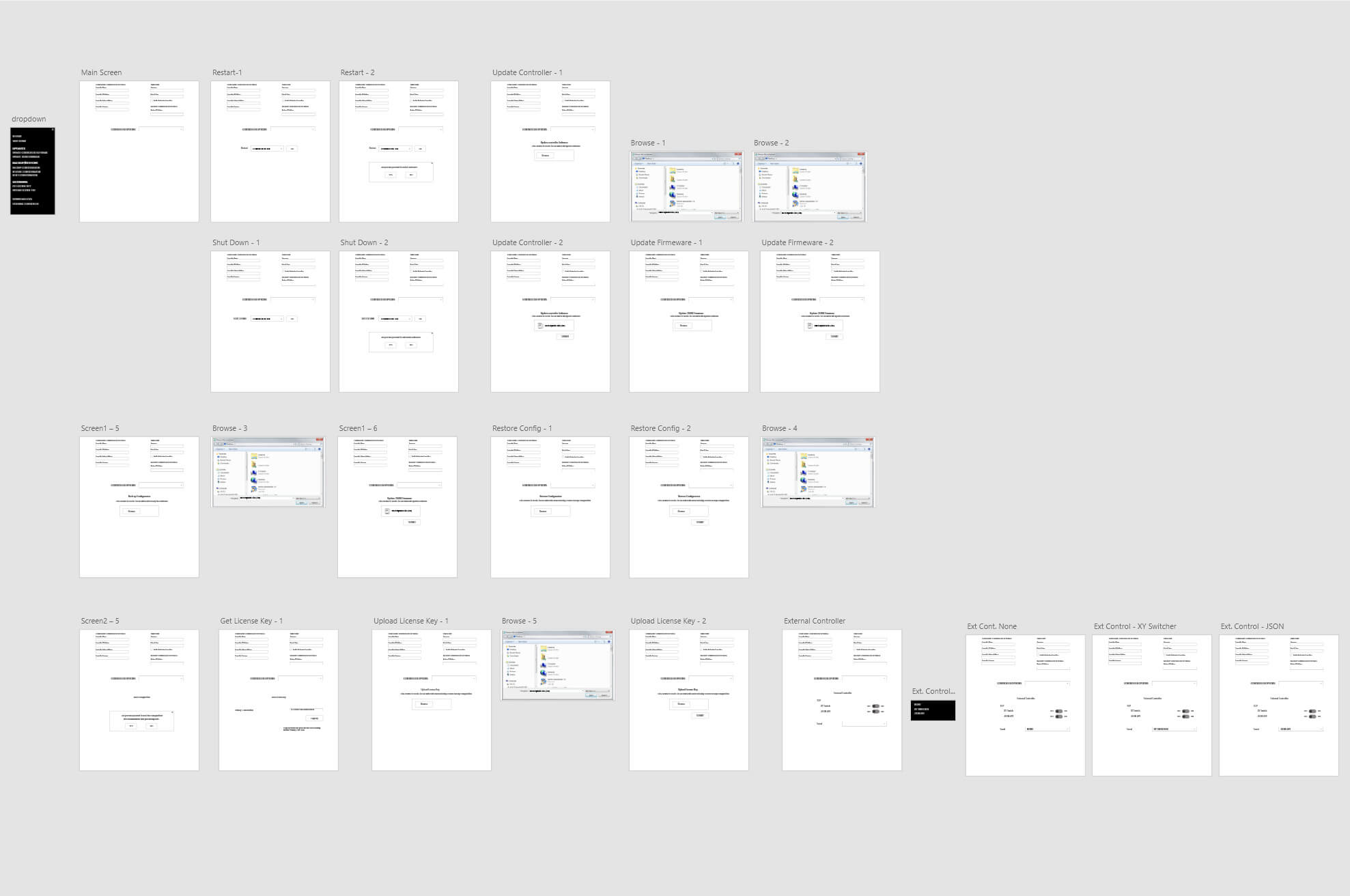
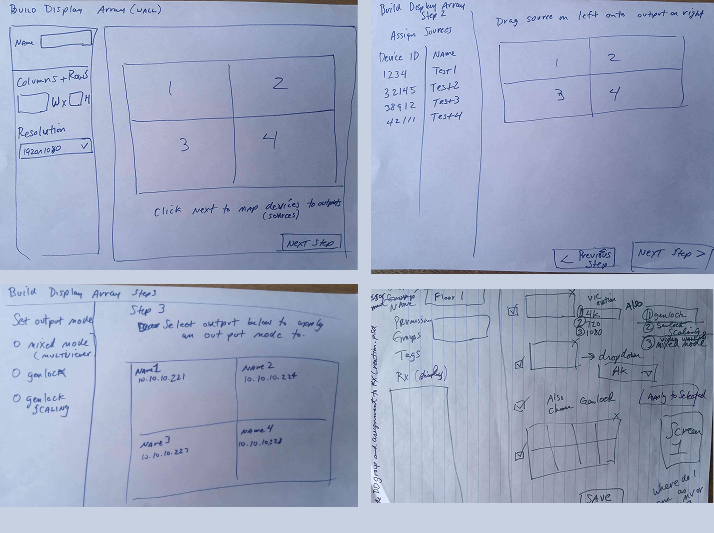
Sitemaps and sketches
Vector assets created in Adobe Illustrator
Camera
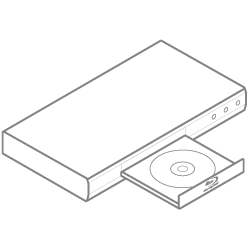
dvdPlayer
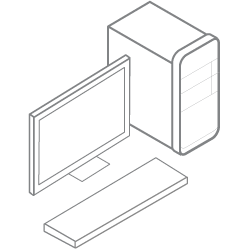
Desktop PC
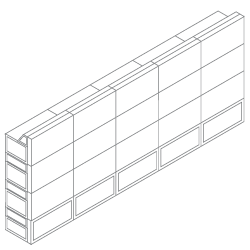
Christie microTiles
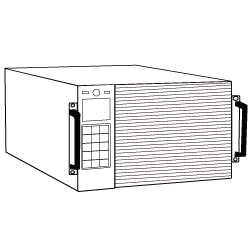
Christie Spyder x80
Christie Terra TX/RX
Hardware
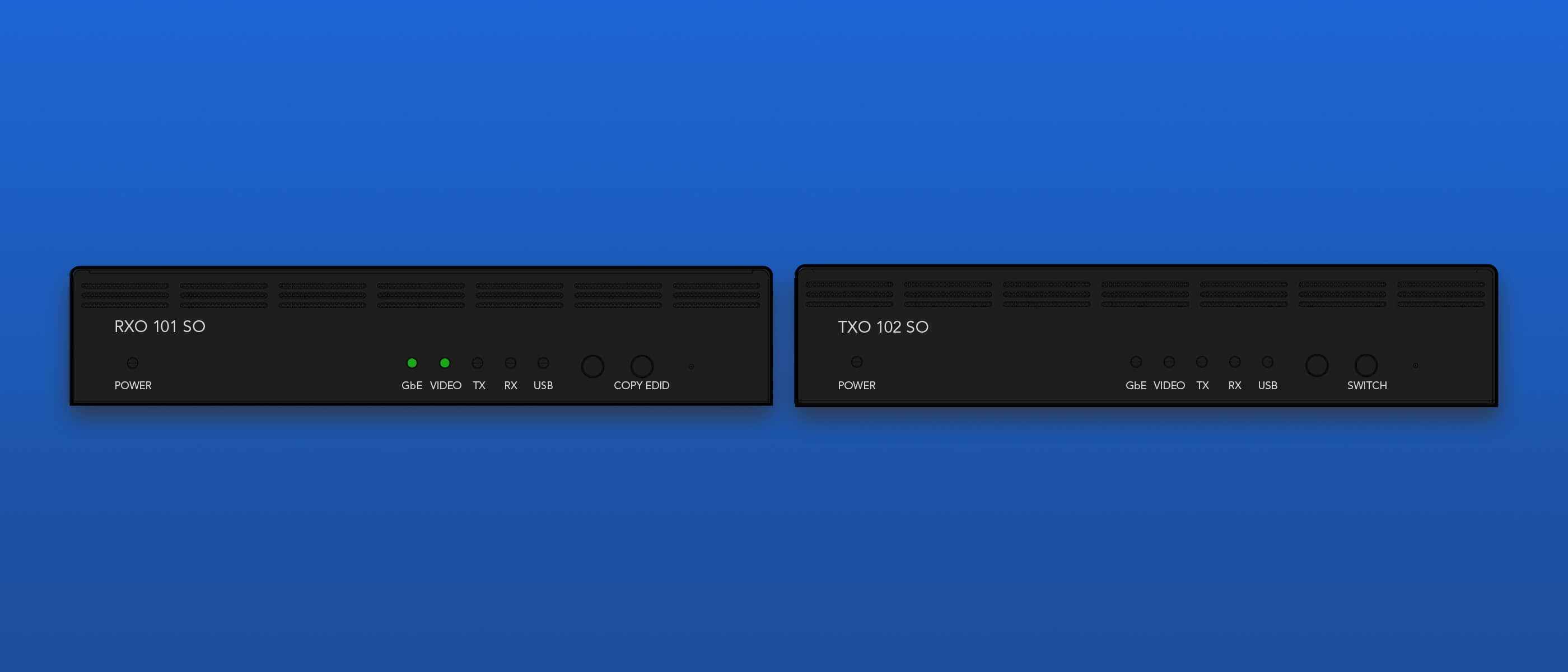
From a hardware perspective, the team needed to create both a server (in this case, called a controller) as well as clients (or nodes) that would receive the audio and video sources.
The server pieces were called TX or transmitters, and the clients receivers called RX. So in a video wall setup, there would generally be one controller (TX) and multiple clients (RX's) - shown below.
Solutions - Determine User Tasks
User Task 1
Create a video wall layout to display on the video wall.
DATA FLOW
Desktop Pc to the Terra Transmitter (TX), which sends signals to the Terra Receiver (RX).

Which then displays video and audio on a video wall or other type of display.
Desktop PC
Terra TX
Terra RX
Christie MicroTiles
Image below shows the process of a user creating a video wall layout as well as the ability to configure the layouts. The blue arrays show how video views will display on the physical hardware.
User Task 2
Ability to configure the layouts and change/update sources.
As with the image above, the blue arrays show how video views will display on the physical hardware.
User Task 3
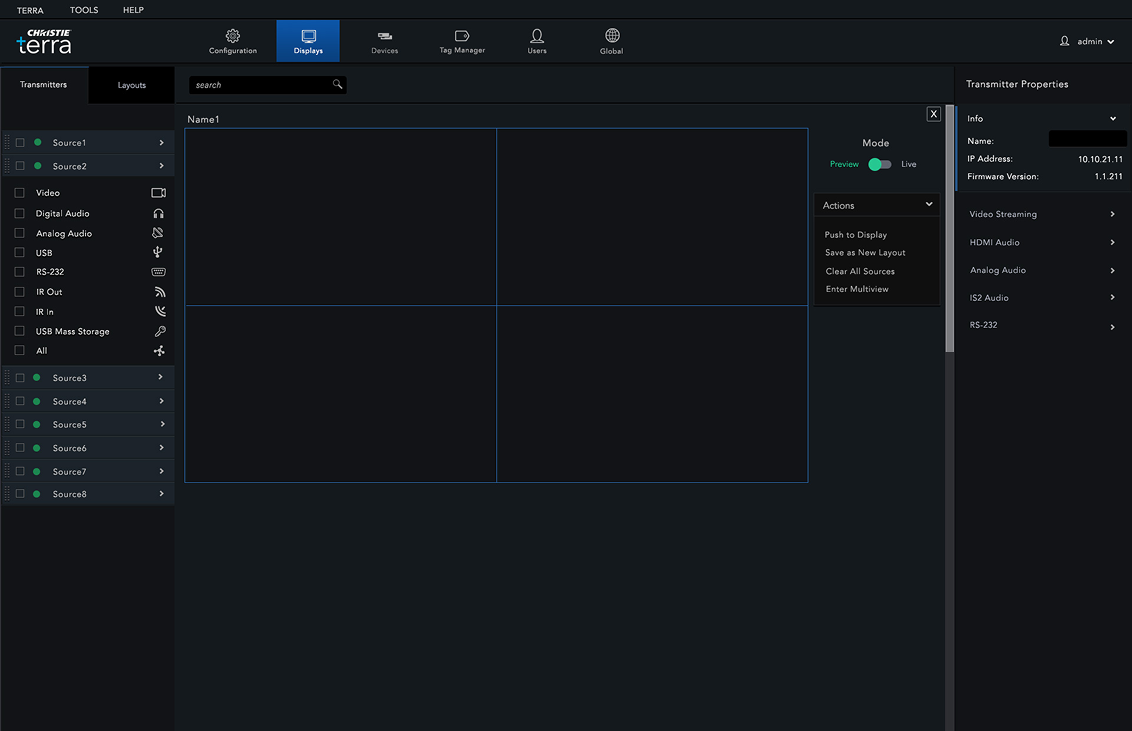
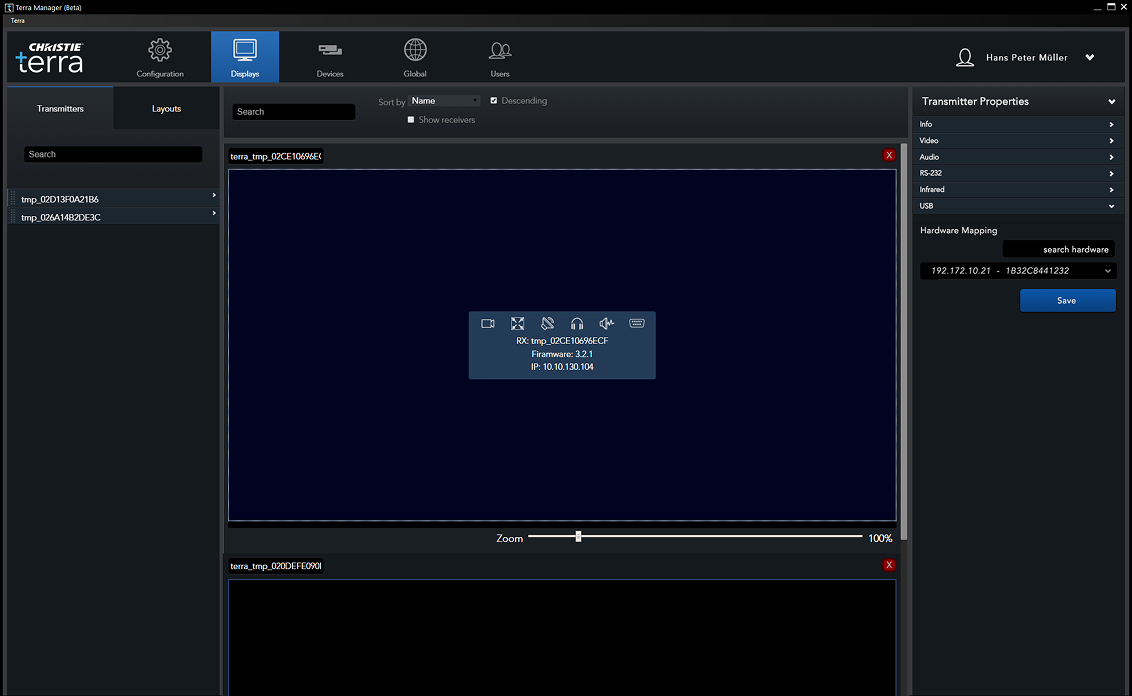
Pull in video and audio sources for display.
Sources are dragged from the left hand column into the main display area section in the center.
View Previous Project
Humana
View Next Project